devices · HX Stomp · setup
from the page
to your modeler.
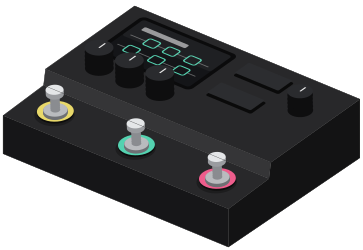
- step 01
plug the HX Stomp into your computer with a usb cable.
- step 02
quit HX Edit, then open gridleak in Chrome and pick HX Stomp in the header.
- step 03
on a preset page, press send. pick an empty slot.
- step 04
keep the cable in until the screen says installed.
if it doesn’t work
rig setup
pick one: the answer follows you onto amp pages.
leave it on
You're feeding a full-range system, so the HX Stomp has to supply the speaker.
the quickest way to hear it working.
- 01Guitar INPUT L/MONO
- 02Headphones Phones jack on the right cheek
- cab block
- On
- start from
- A preset named DIR
The cab block rule
Cab block ON into anything full-range: headphones, an FRFR speaker, the desk, your computer. Cab block OFF into anything that ends in a real guitar speaker. A cab block is a speaker simulation. Into a real cab it stacks two speakers. Left off into a full-range system, you hear a raw amp with no speaker at all.
Helix 3.80 Owner's ManualThere is a Preamp version of every Amp model. It is the preamp stage only, without the power amp. Use it when you feed a real power amp: your amp's effects return, a Powercab, or a DT-series amp over L6 LINK. It also costs less DSP than the full Amp block.