devices · Quad Cortex · setup
from the page
to your modeler.
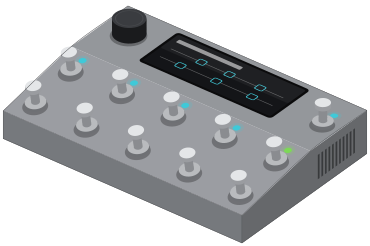
- step 01
plug the Quad Cortex into your computer with a usb cable.
- step 02
quit Cortex Control, then open gridleak in Chrome and pick Quad Cortex in the header.
- step 03
on a preset page, press send. pick the Quad Cortex in Chrome’s prompt, then an empty slot.
- step 04
keep the cable in until the screen says installed.
if it doesn’t work
rig setup
pick one: the answer follows you onto amp pages.
leave it on
You're feeding a full-range system, so the Quad Cortex has to supply the speaker.
the simplest way to use it, and the usual day-one setup.
- 01Guitar INPUT 1
Ordinary guitar cable
- 02Headphones Headphone jack on the rear
- cab block
- On
- input level
- 0 dB
- Check it once: play hard and watch the meter just touch the red.
- VOLUME knob
- Start low and bring it up
The headphone output drives up to 300 ohms, which covers most headphones but not every high-impedance studio pair.
Quad Cortex product page
One rule covers most of it
Cab block ON for anything full-range: headphones, FRFR speakers, front of house, your computer. Cab block OFF for anything that ends in a real guitar speaker. A cab block is a speaker simulation. Into a real cab it stacks two speakers. Left off into a full-range system, you hear a raw amp with no speaker at all.
The shortcut
When you need cab blocks off, use Global Bypass instead of editing presets. It switches off every cab, IR and capture block across all your presets at once, and switching it back restores them.